
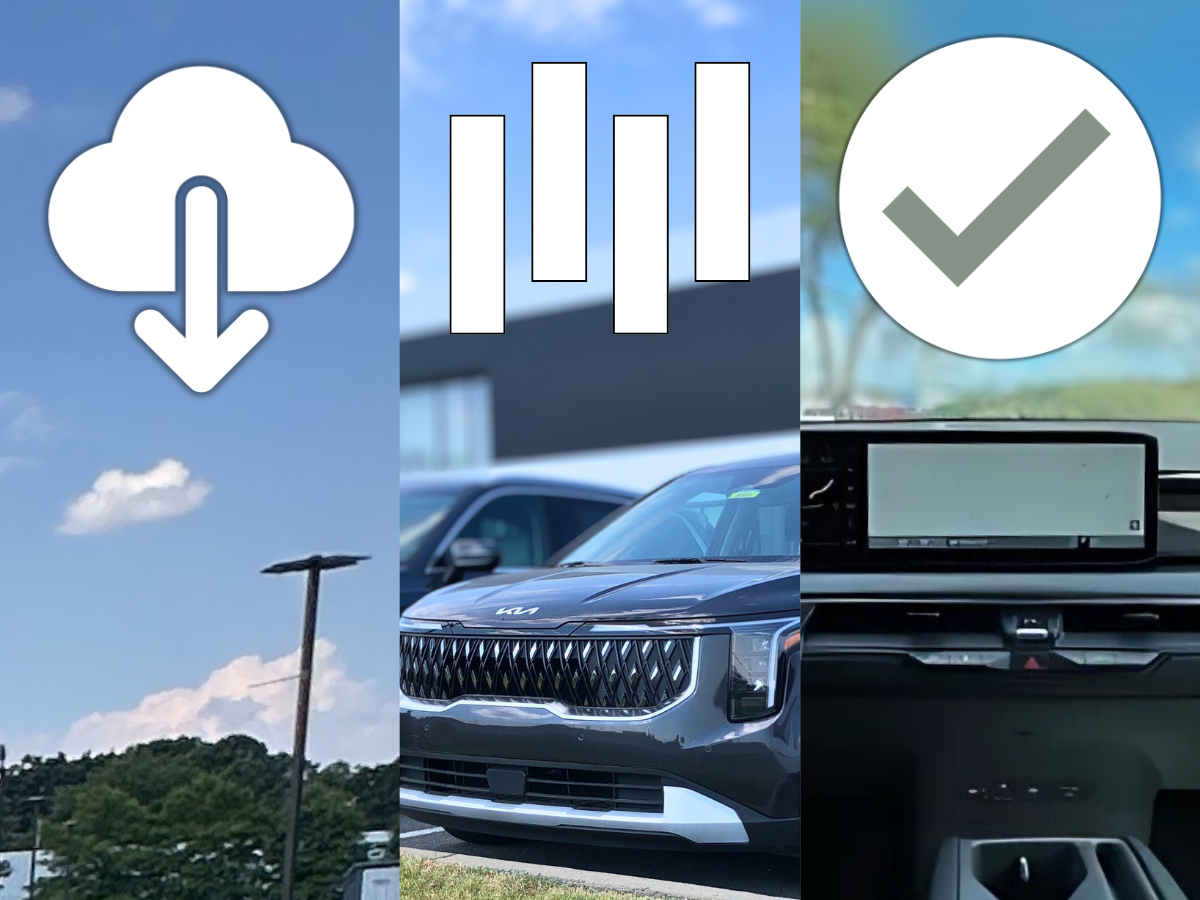
Kia’s Over-the-Air (OTA) Software Updates make it easier than ever to keep your vehicle running smoothly and up to date with the latest features. This wireless technology allows you to update your Kia’s systems, including the powertrain, battery management, and advanced driver assistance systems (ADAS), without needing to visit a dealership. We at Crain Kia of Fort Smith are here to give you a quick look at how OTA updates work and why they’re a convenient way to keep your Kia performing at its best.
Find your new Kia vehicle today. Click here to shop Crain Kia of Fort Smith's selection.
How OTA Updates Work
- Automatic Downloads
- Kia’s OTA updates happen automatically while you’re driving. The latest software is downloaded in the background, and you’ll get a notification through the Kia Access app once it’s ready. This means you won’t have to schedule a service appointment or stop what you’re doing to get your vehicle updated.
- Simple Installation Process
- Once the software is downloaded, you’ll see a prompt on your vehicle’s infotainment screen the next time you turn off the car. This will guide you through the installation. You will also need to ensure that:
- Your transmission must be in the park,
- The parking brake is engaged.
- The exterior lights are off.
- The hood is closed.
- Your vehicle cannot be driven during the update, so make sure it’s parked in a safe location.
- Once the software is downloaded, you’ll see a prompt on your vehicle’s infotainment screen the next time you turn off the car. This will guide you through the installation. You will also need to ensure that:
- Completion and Notifications
- After the update is complete, you’ll receive another notification, and a QR code will appear on the infotainment screen. You can scan this code to see what new features have been added or improved in the update.
The Benefits of OTA Updates
- Keeps Your Kia Up to Date
- OTA updates ensure your vehicle is always running the latest software, helping improve performance and safety. Whether it’s an enhancement to the powertrain, battery, or ADAS, your Kia will stay current with the latest improvements and innovations.
- Convenient and Time-Saving
- Gone are the days of needing to visit the dealership for minor software updates. With OTA updates, you can upgrade your vehicle’s software wirelessly, saving time and effort. Some updates even address software issues or recalls, all without the need to leave your home.
- Maintain a “New Car” Feel
- With regular OTA updates, your Kia will always feel like it has the latest tech, even years after you’ve bought it. New features are added over time, helping you enjoy that “new car” feeling for longer.
How to Get Started with OTA Updates
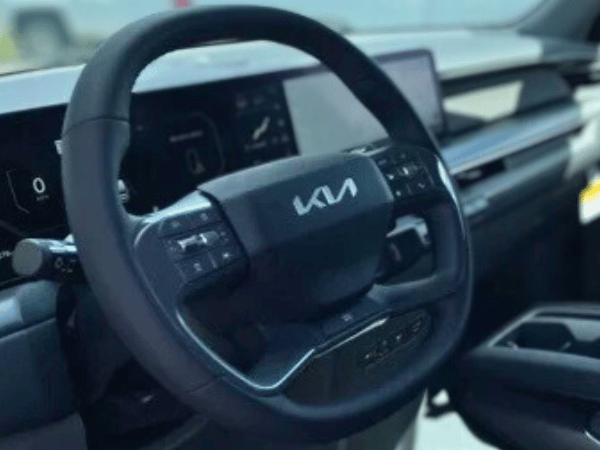
To take advantage of OTA updates, first ensure your vehicle is eligible. You can check it by entering your vehicle identification number (VIN) or model details on Kia’s website. A Kia Connect subscription is required for these updates, so ensure your subscription is active.
Once you’re set-up, the updates will download automatically. When an update is ready to install, you’ll get a notification via the Kia Access app and your infotainment screen. The process is simple, and if you need help, we at Crain Kia of Fort Smith can help! Call us or stop by our Kia dealership near Van Buren, AR.
Kia’s OTA Software Updates make it easy to keep your vehicle running at its best without the hassle of visiting a service center. These updates ensure your Kia is always equipped with the latest features, enhancing performance and safety while saving you time. With just a few taps on your screen, you can enjoy the convenience of keeping your Kia up to date wherever you are.
 Warranties include 10-year/100,000-mile powertrain and 5-year/60,000-mile basic. All warranties and roadside assistance are limited. See retailer for warranty details.